

Table of Contents
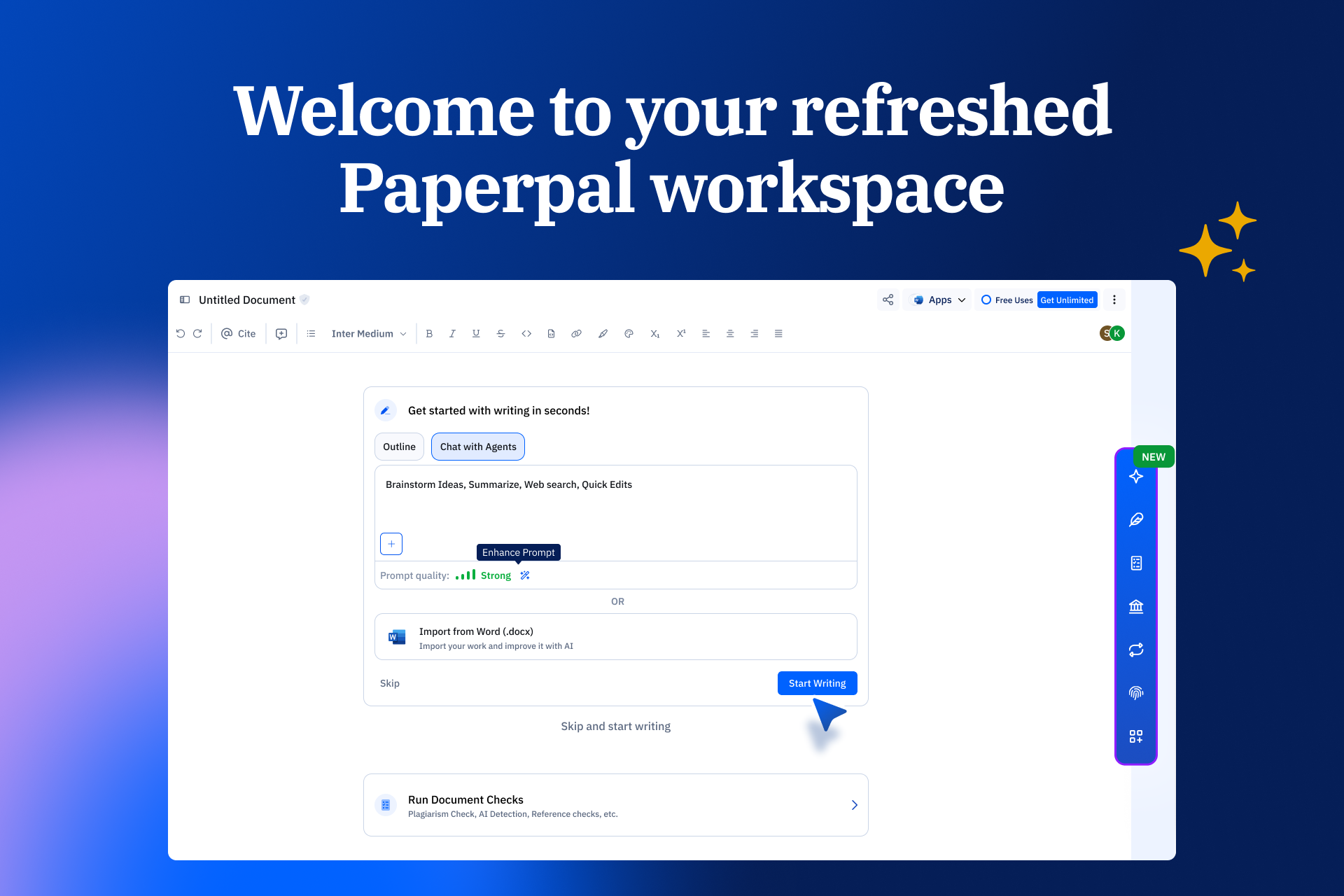
The Paperpal editor has a new look. We’ve tidied up the workspace, so the tools you use most are easier to find, and your writing gets more room. Nothing you rely on has gone away. Some things have simply moved, and a few new ones have joined them.
What’s changed
Same toolbar, new spot
Available on: Web
Formatting, citations, fonts, and alignment now sit in a single toolbar at the top of your document. It’s always in the same place, so you can reach it without hunting.
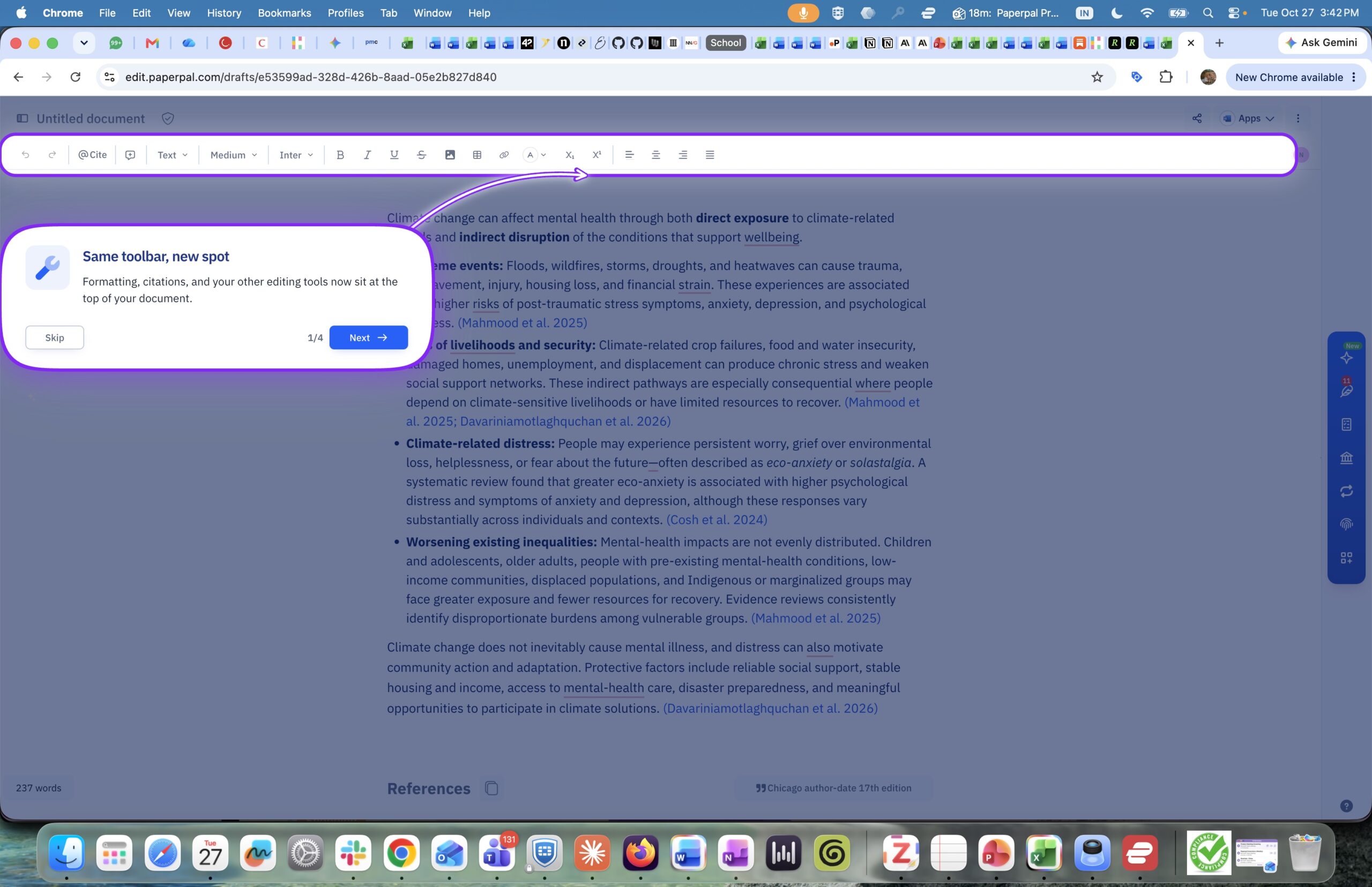
All your editing controls, now in one toolbar at the top of the page.
Meet Agents, your place to research, outline, and draft
Available on: Web and Word
Agents brings your whole workflow into one conversation. Ask a research question, draft a section, build an outline, or start from one of many templates, and keep going without switching tools. You’ll find Agents at the top of the dock on the right.
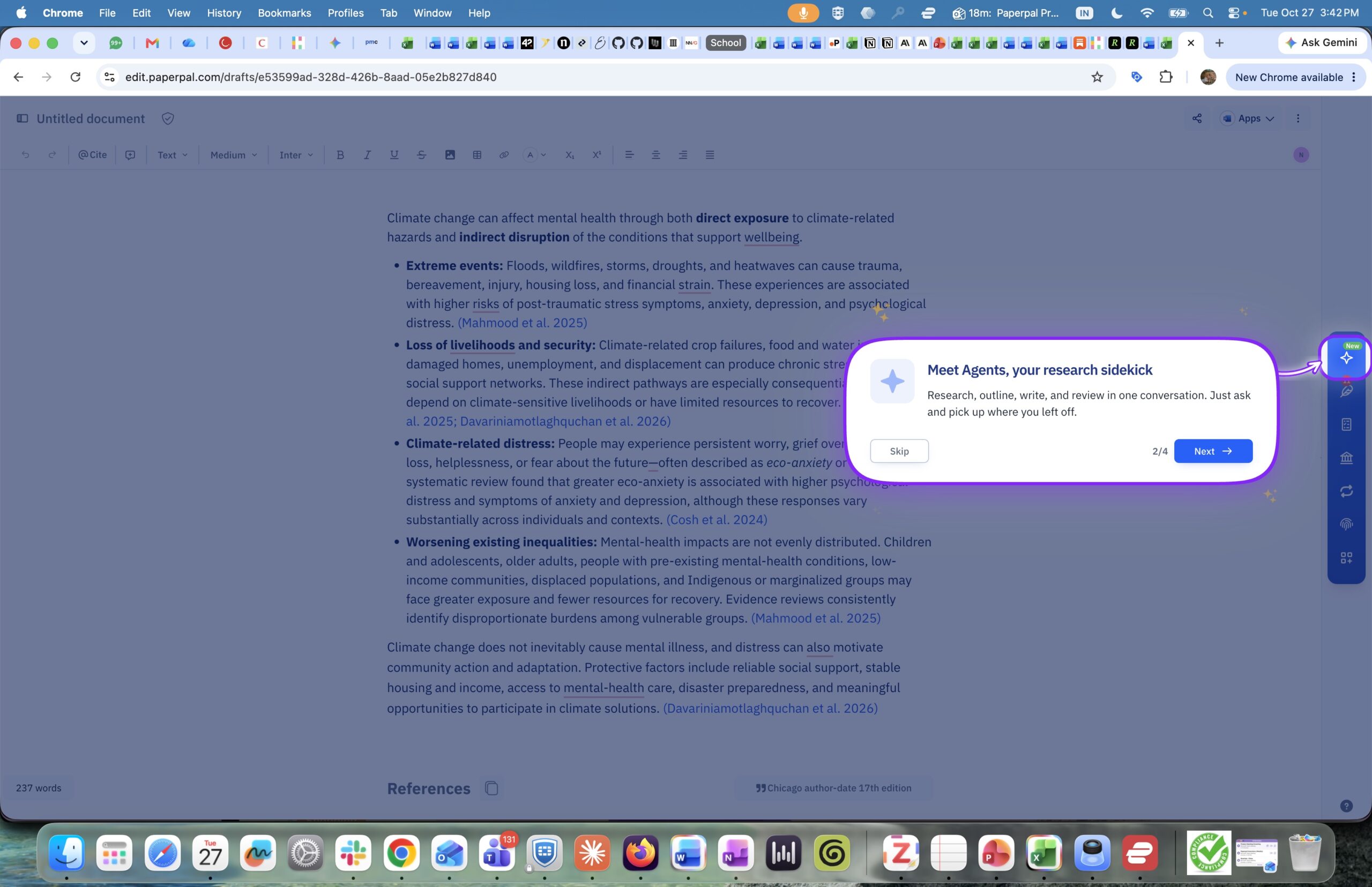
Agents sits at the top of the dock on the right.
Not sure where to start? Open Quick actions to jump straight to the tool you need: rewrite or trim text, translate, build an outline, change your tone, run an AI review, or generate a title, abstract, keywords, or summary.
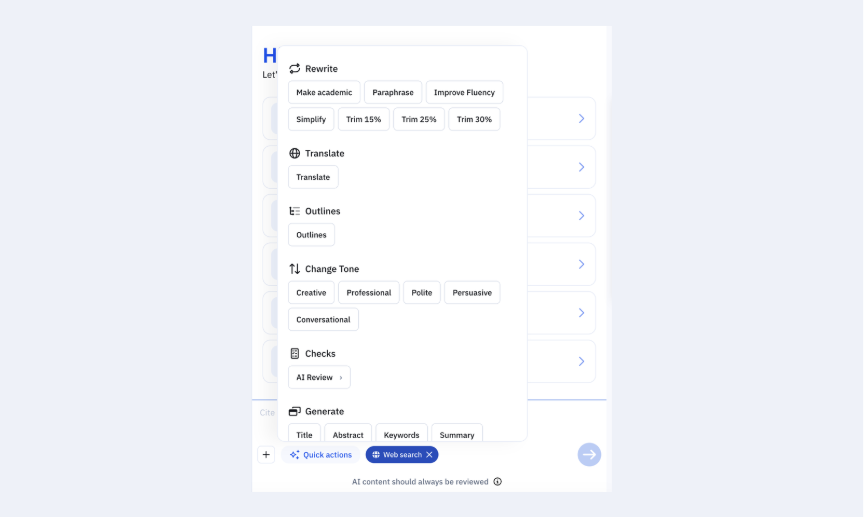
Quick actions puts every tool one click away inside Agents.
Your library, right in the editor
Available on: Web and Word
Import papers from Zotero or Mendeley or save new ones as you research on Paperpal. You can cite or summarize them whenever you need to, without leaving your draft.
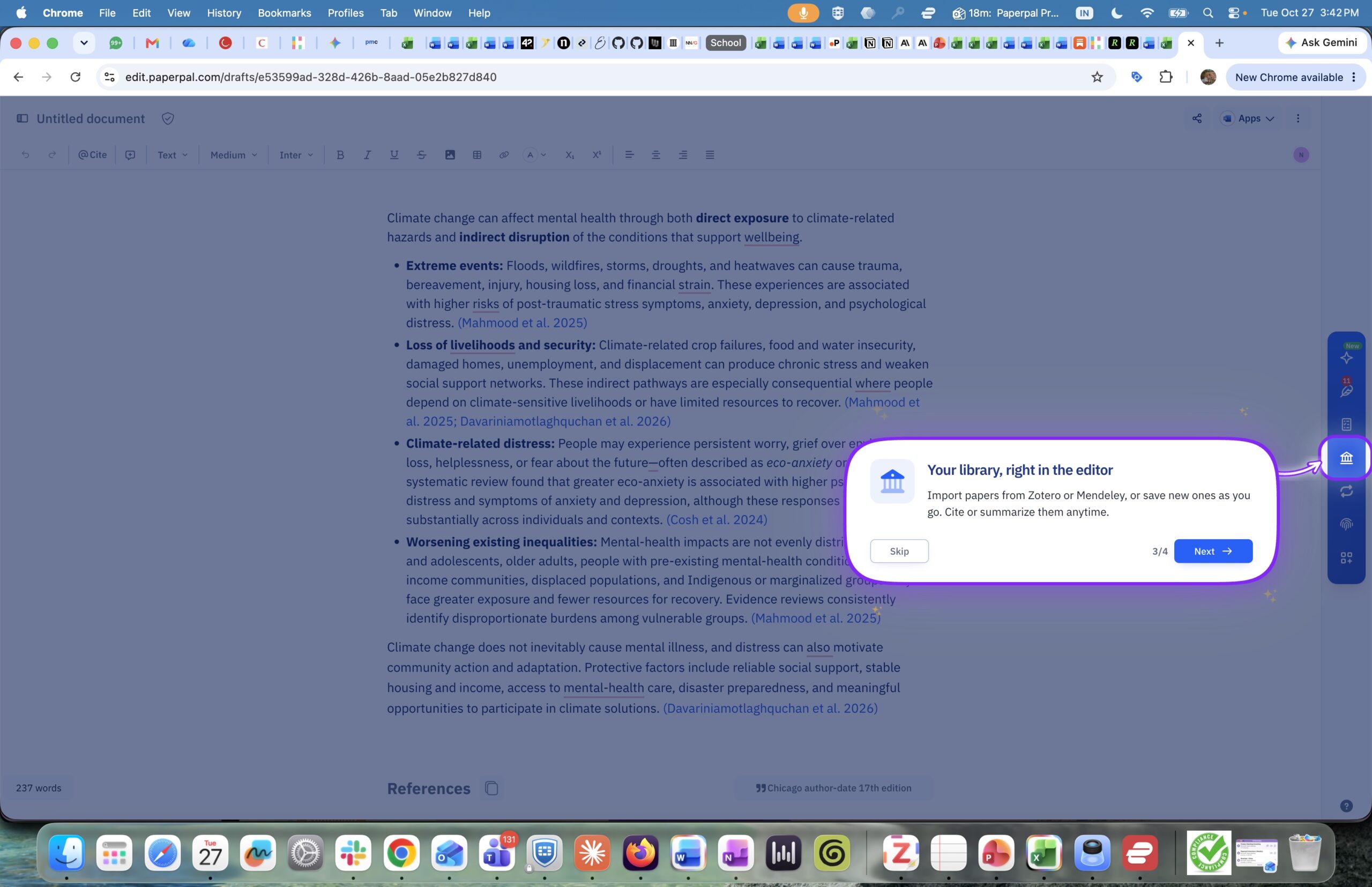
Your saved and imported papers, ready to cite and chat with AI.
Use AI with confidence
The Responsible AI panel brings together tools that help you use AI confidently and keep your writing your own:
- AI Footprint (web only) highlights text generated or edited by Paperpal AI that you haven’t revised yet.
- AI Disclosure gives you disclosure statements for specific journals or for general use.
- Humanize helps you shape AI-assisted drafts into writing that reflects your own thinking and voice. Use AI to find opportunities to strengthen your draft, get guidance on how to reword AI assisted text to give it your unique spin, or get feedback from a human expert in your field.
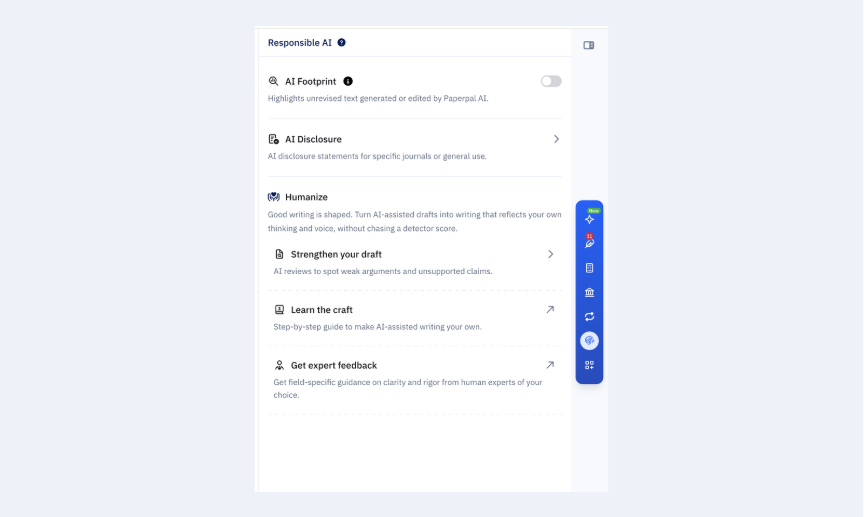
AI Footprint, AI Disclosure, and Humanize, together in the Responsible AI panel.
Your classic tools are still here
The classic tools you know are available in the dock on the right: Click More to find Write, Translate, Research and Cite, and Chat PDF.
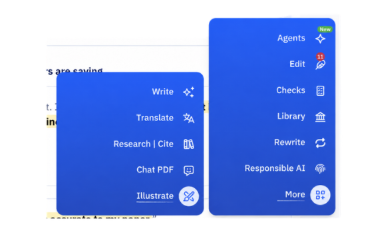
Click More to open Write, Translate, Research and Cite, Chat PDF.
See who’s in the room
Available on: Web
Check who has access to your document and invite collaborators, all without leaving the page.
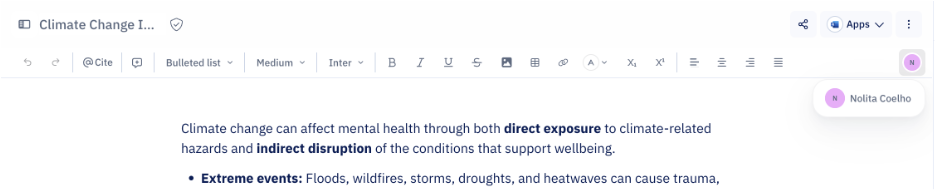
Active collaborators appear the at the right end of the toolbar
From draft to figure with Illustrate
Done writing? Hop over to Illustrate from the More menu to create a figure or graphical abstract for your paper. You’ll get an editable scientific visual, in minutes.
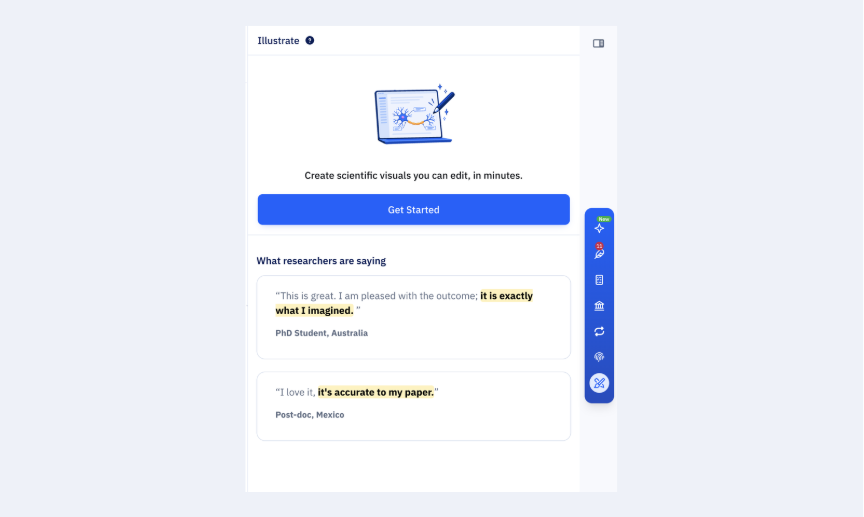
Create editable scientific visuals with Illustrate
Tell us what you think
Open any document to try the refreshed workspace. We’d love to hear how it works for you. Click the ? at the bottom right of the editor and choose Submit Feedback.
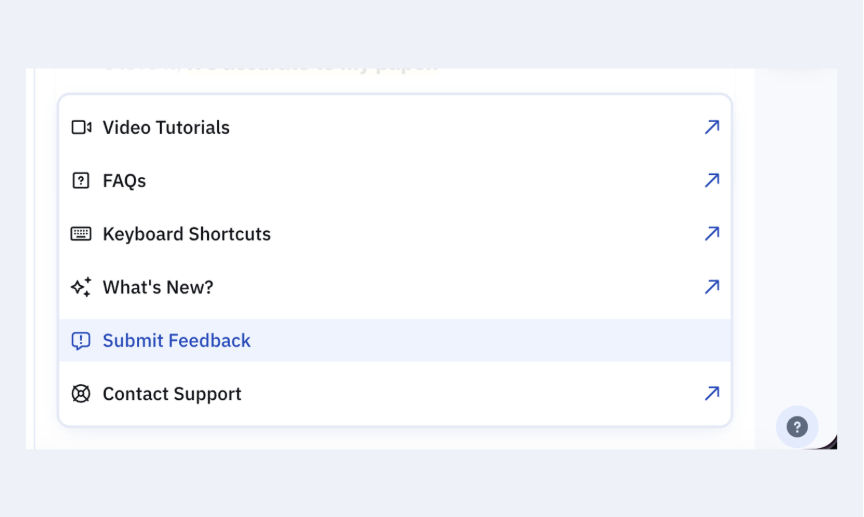
Share feedback at any time from the help menu.
 Paperpal for China
 Paperpal for Korea
 Paperpal for Japan


 Speak to us